This is based on the ideas we talked about in the lesson, where I was receiving a project to mix. However, exactly the same theories can be applied for composition as well. Make your life easier!
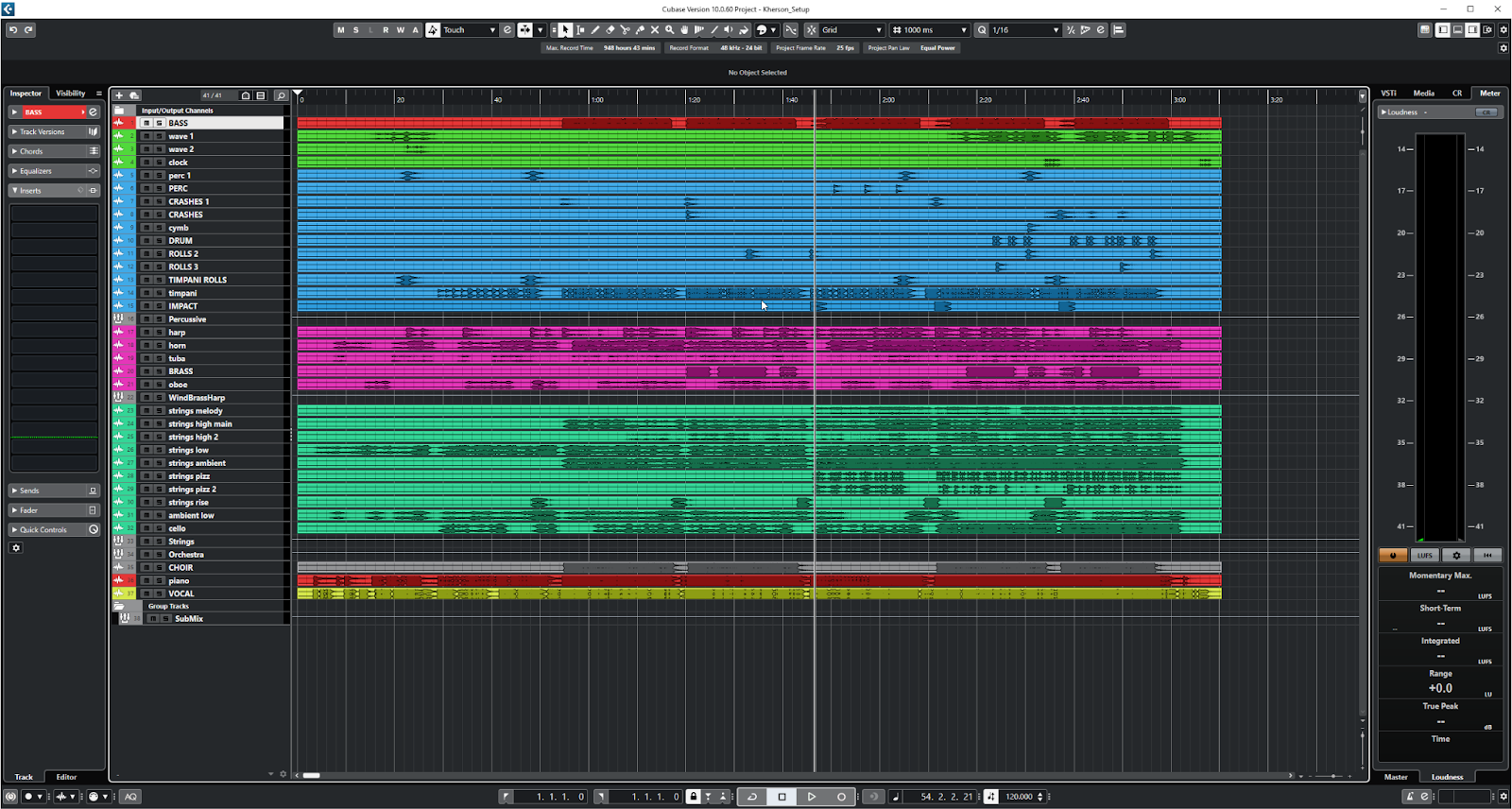
- Try to group instruments together, not only in space, but also by colour.
- Use Groups/AUX Busses to group instruments together (e.g. Drums, Stereo Piano, Strings, Brass etc). This will allow you to process them together.
- If you are working on a large project, delete blank spaces. This makes it easier to follow what’s going on on a complex score/recording session. However, it also reduces hard drive usage (especially important if you’re on an old style HDD). Even if an audio file is empty, if it’s visible in your arrange window, your DAW will be reading the file off your hard drive. If it’s just silence, remove the strain on your resources by removing the empty space.
- Remember to use FX Sends/Returns rather than putting the effects (e.g. Reverb) on the individual channels. This will save you CPU power, make for an efficient setup, and ultimately give you a lot more control over the effects.
- Ignore the previous rule whenever you need to!
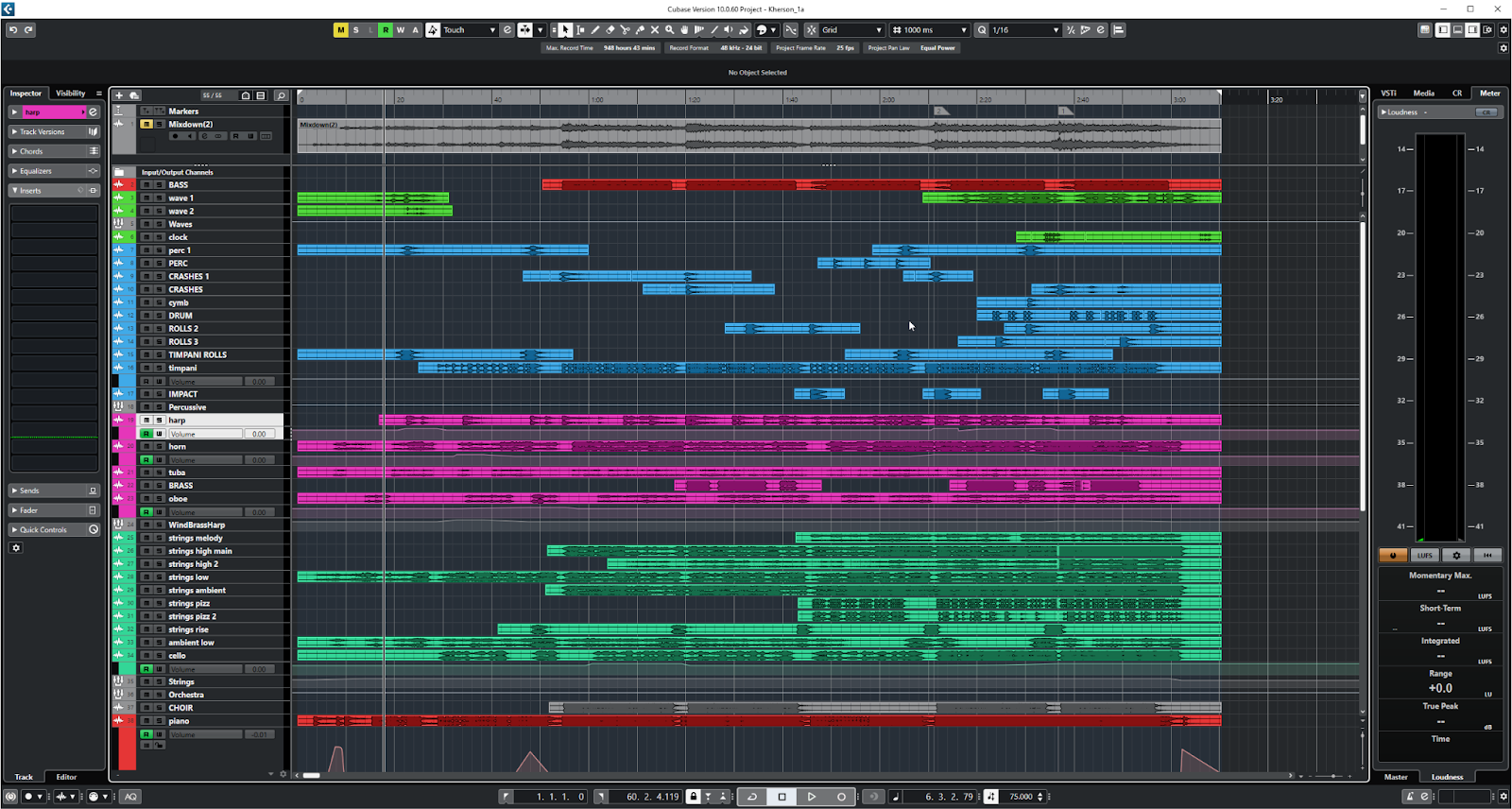
The Power of Templates
I have recording templates I use at work. They have most of my routing already sorted (so I have one for bands, singer songwriters, orchestras etc), and also FX send/returns already there with a selection of Reverbs/Delays/Enhancers that I will often use (and not just one per channel – I will try and get some screenshots of these). These are rarely perfect for any project, but they save me a lot of time and energy at the beginning of a recording session, and I can concentrate on working with the musicians rather than staring at the computer.
However, this also usually becomes my mixing template further down the line. I may change a lot of things when I get to the mix, but again, all my basic routing is already set up. This has also become the basis of my mixing template for projects that people send me to mix which I haven’t recorded.
For composers these can also be extremely powerful. If you use a selection of instruments on a day by day basis, set them up in a template so they are already ready to use. Have MIDI channels, Samples (like Kontakt), Groups, FXs already set up in a template, with your sounds already loaded into them. However, to save RAM, disable all of them, but then save the file as a template. Now, when you start to write, and you need your favourite strings/wind/brass/drums/percussion etc, you simple re-enable the track, and you’re ready to write – no more hunting for sample libraries – they’re already there in your template.
If anyone happens to use Cubase, I can point you in the direction of some immense templates that are used by Hollywood composers etc. You won’t have the instruments, but they can give you an idea of what you can set up in advance, and how you can just start writing the moment you have inspiration.